Digital invitation for a christening
A christening has two moments: the service in the church and the party after it, often somewhere else. The invitation has to make both clear, and say which part someone is invited to. At YourInvited you create a digital invitation with your child's photo, the two moments with time and address, the godparents, and a reply button. You share one link with family and friends. Starting is free; a paid style costs €4,99 or €7,99 once, per event.
Start with a styleStyles for a christening
View every style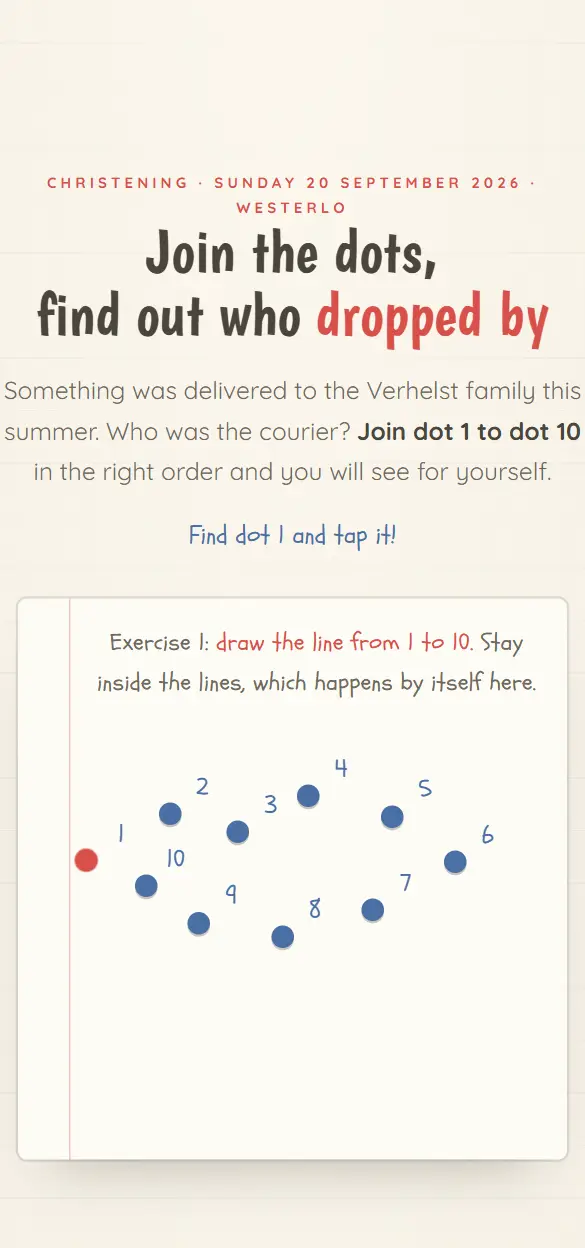
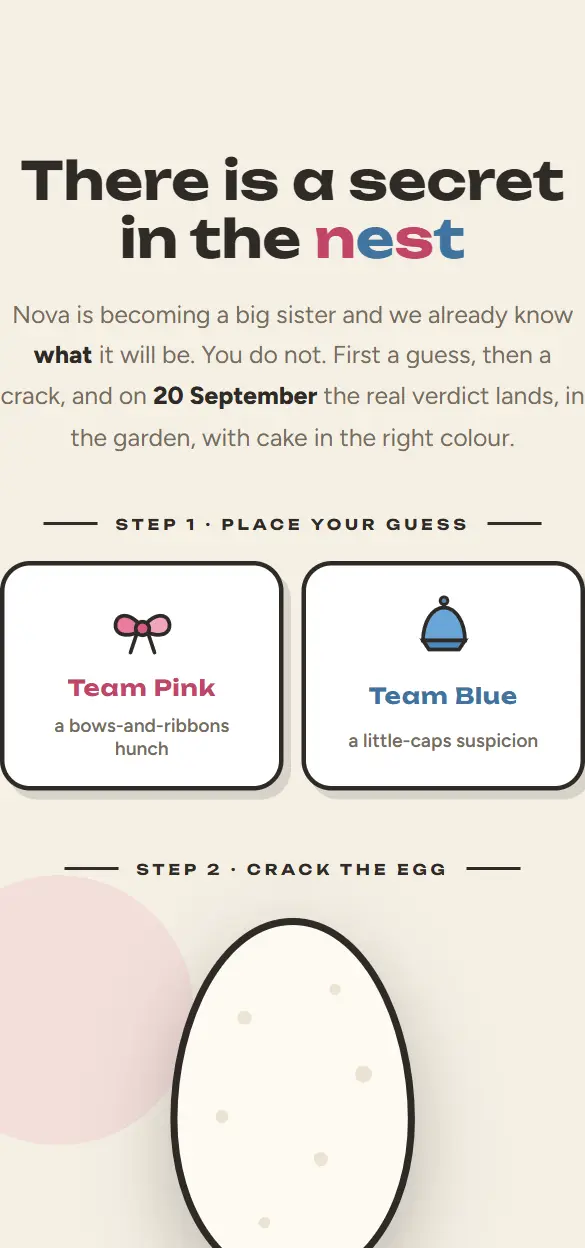
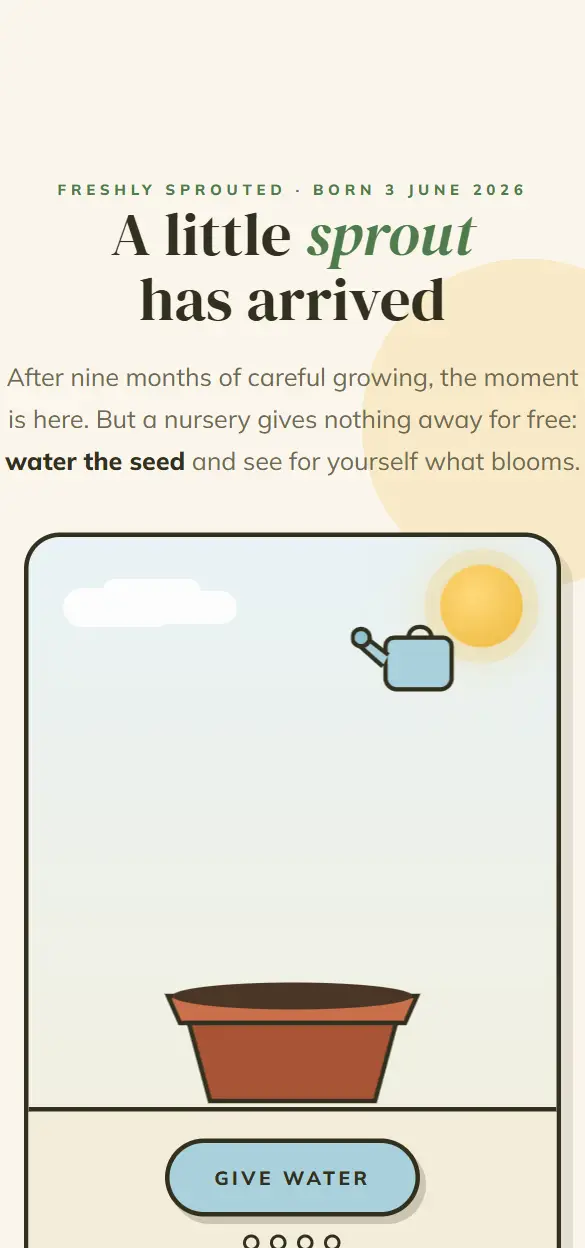

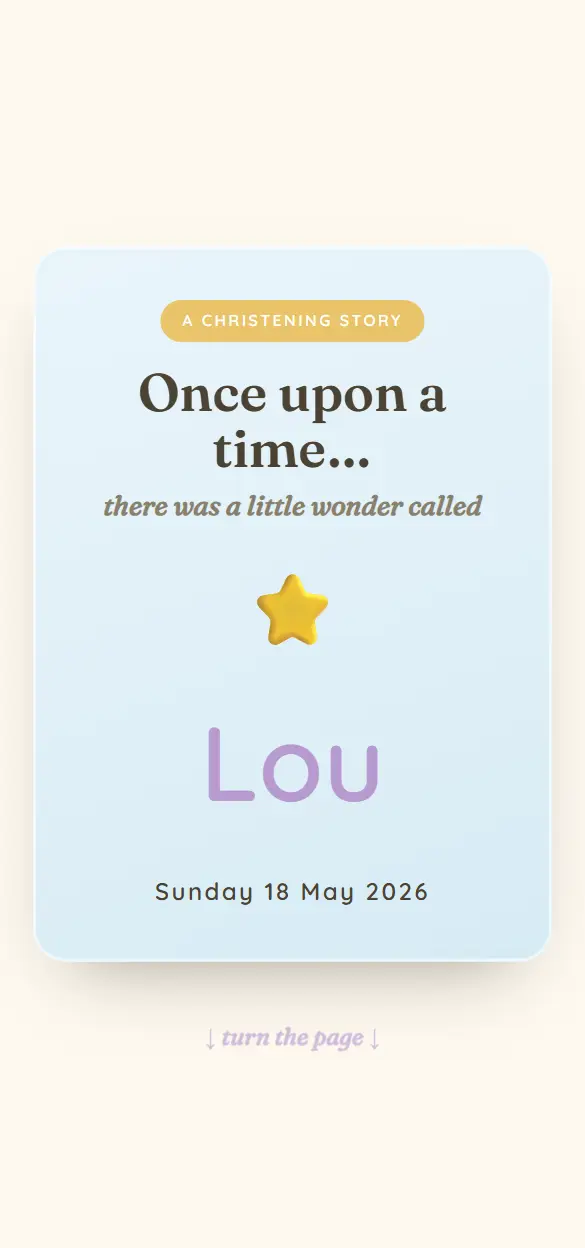
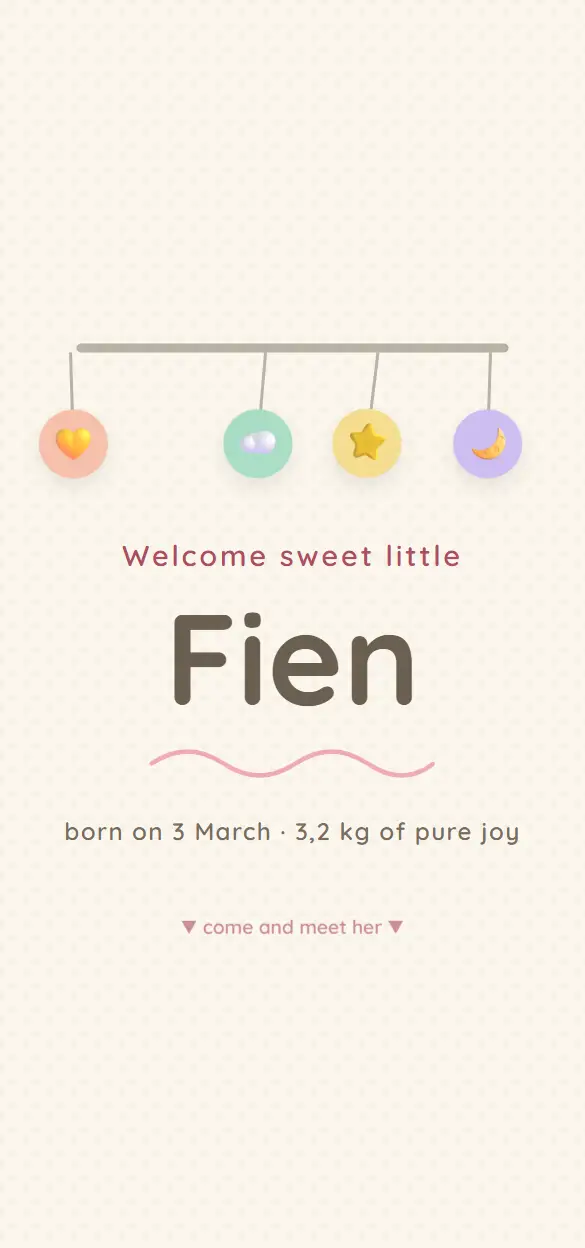
What goes on a christening invitation?
This belongs on it:
- Your child's name, and a photo.
- Who is inviting: the parents, and the godparents if you want to name them.
- The service: date, time and the church, with the address.
- The party after it: time and venue, with the address.
- Which part this guest is invited to: the service, the party, or both.
- Whether children are welcome.
- A gift tip, if you want to give one.
- By when you expect a reply.
Two moments, two guest lists
At a christening the close family and the godparents are usually at the service, and a wider circle comes to the party. Make clear in the invitation which part is meant for each guest, so nobody stands in front of a closed church door or expects a party that is not there.
Ask for one reply for the party. That way you know how many people to count on at the caterer or the venue.
When do you send the invitation?
A christening is often planned three to six months after the birth, sometimes later. Send the invitation four to six weeks ahead, and ask for a reply two weeks before the day. You can have a reminder sent to everyone who has not answered by then.
How it works
- 01
Pick a style
You look at the live demos in the collection and pick the style that fits your celebration.
- 02
Make it yours
You add your own text, date, venue and photos. The style and the animations stay.
- 03
Share your link
You publish and share one link: in a chat, by email or as a QR code on paper.
- 04
Follow the replies
Guests reply inside the invitation. In your studio you see who is coming and who has not answered yet.
What it costs
Starting is free, with up to 25 invited guests per event. A Lite style costs €4,99 once per event, a Pro style €7,99. You do not need a subscription.
All pricesFrequently asked questions
Can I say who is invited to the service and who to the party?
Yes. You put both moments in the invitation and write in your text which part is meant for whom. If you want to send every guest a personal link with their own message, the Invite via WhatsApp and SMS module does that (€4,99 per event).
Can guests leave a wish for our child?
Yes, with the digital guestbook (€9,99 per event, included with Lite and Pro). Guests leave a message, with a photo if they like, and you keep everything on one page for later.
Can I collect the photos of the day?
Yes, with the Disposable camera module (€9,99 per event). Every guest takes photos on their own phone, and after the party they come together on one page where everyone can view and download them.
How many guests can I invite?
Per event up to 25 invited guests with a free account, up to 100 with Lite and up to 250 with Pro.