A digital save the date for your wedding
A save the date is the first word about your wedding day: the date and the place, so your guests keep that day free long before the invitation arrives. At YourInvited you turn it into a page with your photo and a short text, and you share one link. Your guests do not have to reply yet; that comes with the invitation itself. Starting is free; a paid style costs €4,99 or €7,99 once, per event.
Start with a styleStyles for your save the date
View every style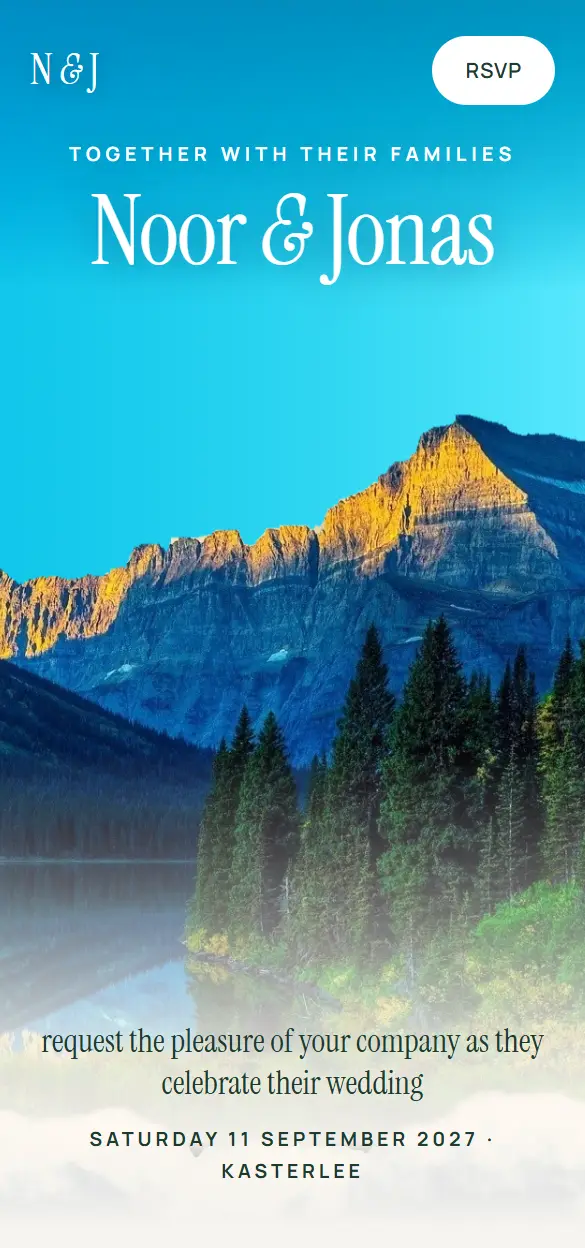 Mountain LakeWedding · Scrolling landscape
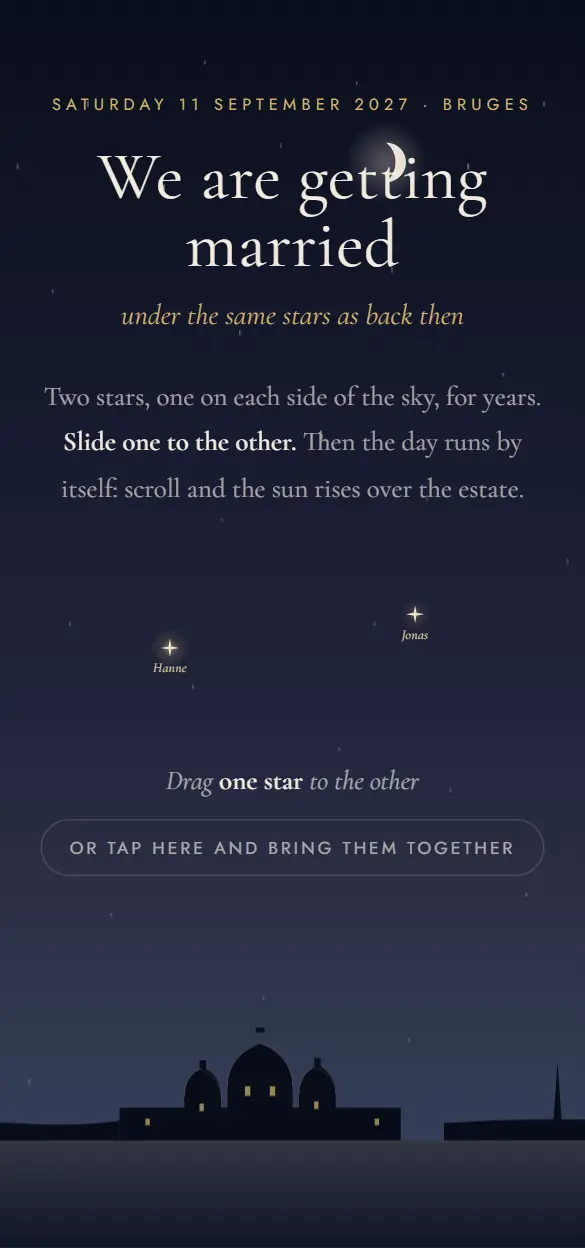 ConstellationWedding · One day in the sky
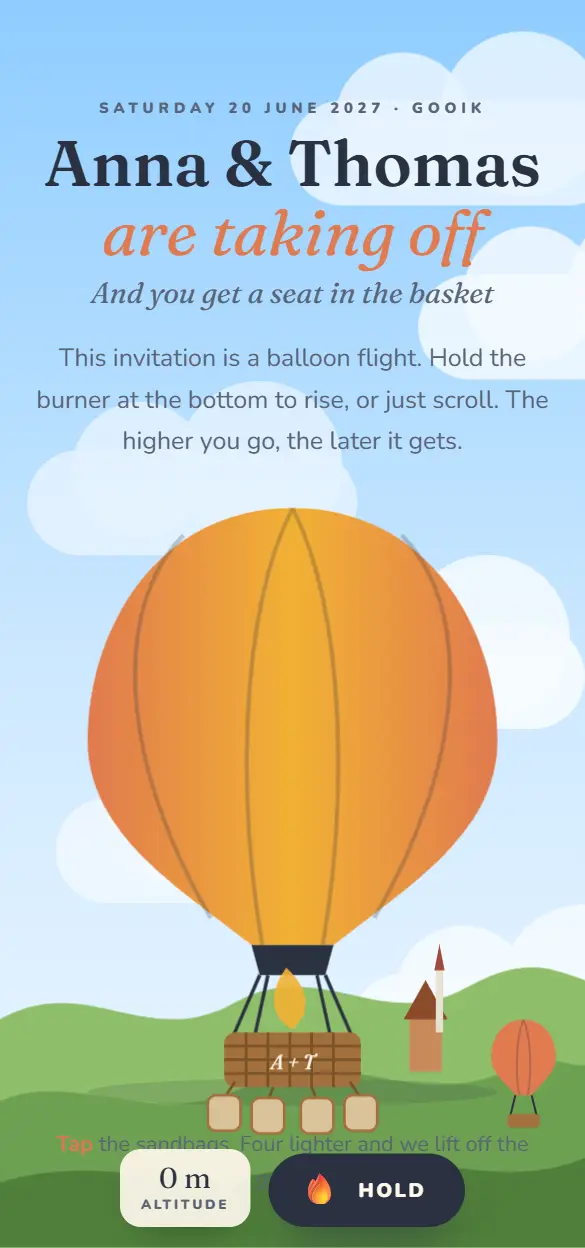 The Hot Air BalloonWedding · Hold the burner
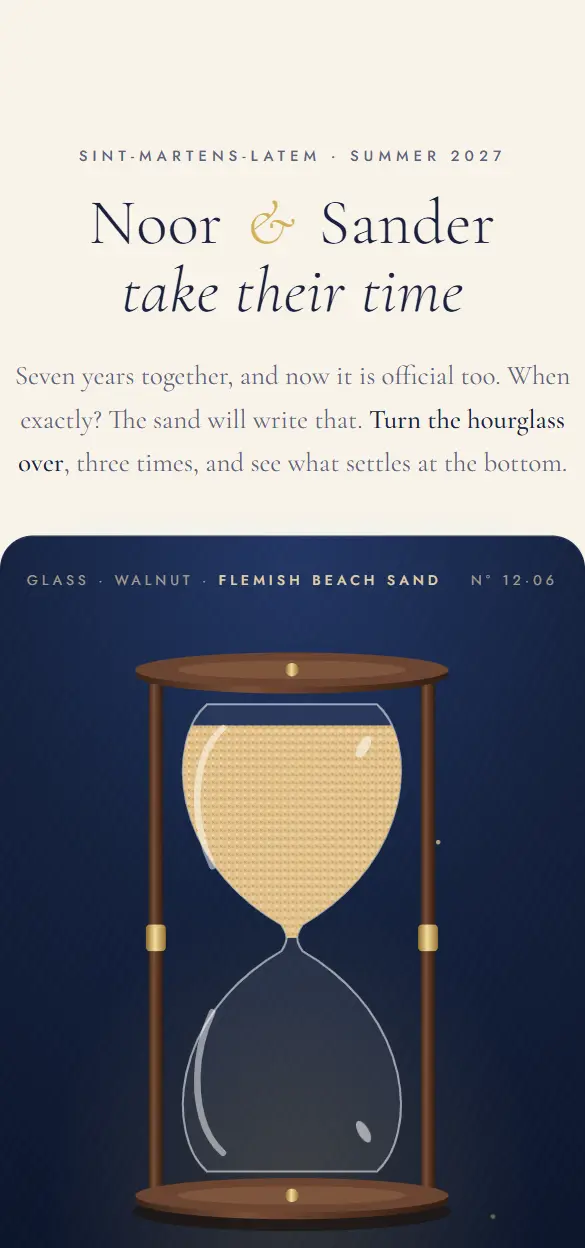 The HourglassSave the date · Sand & glass
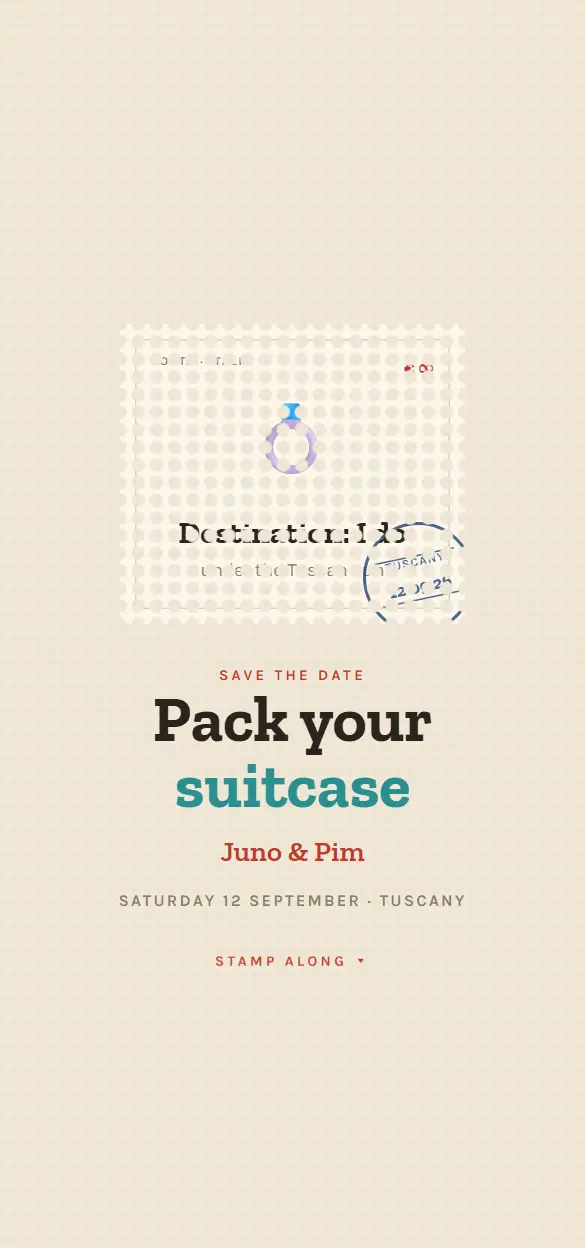 PhilatelyDestination wedding · Stamps
 MeteoSave the date · Forecast
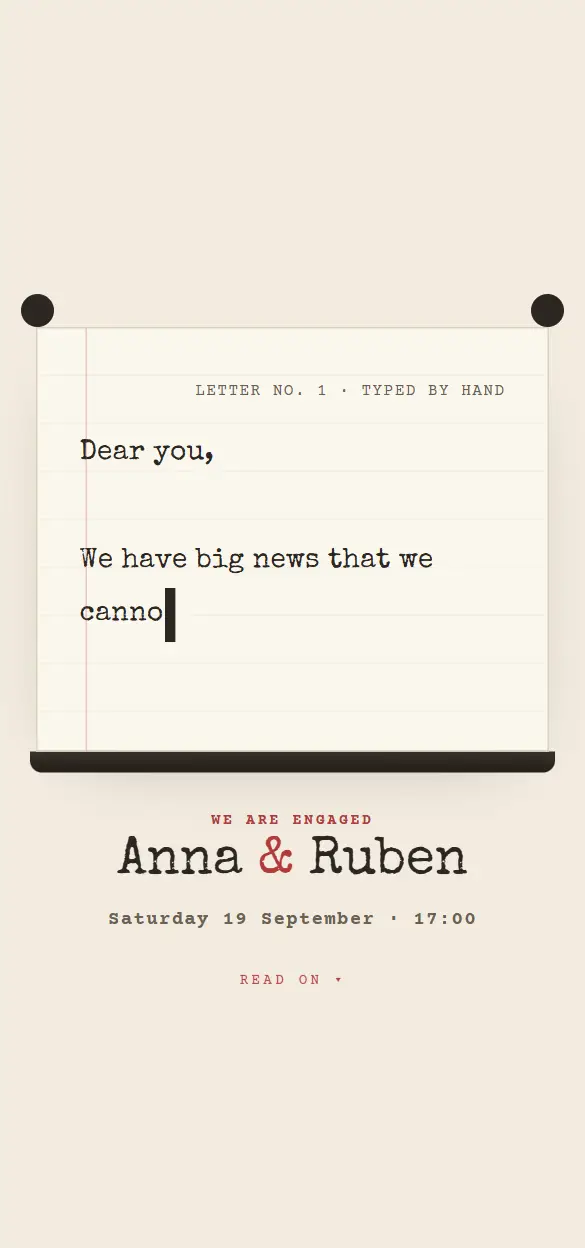 TypewriterEngagement · Love letter
 SnowglobeWinter wedding · Snow globe
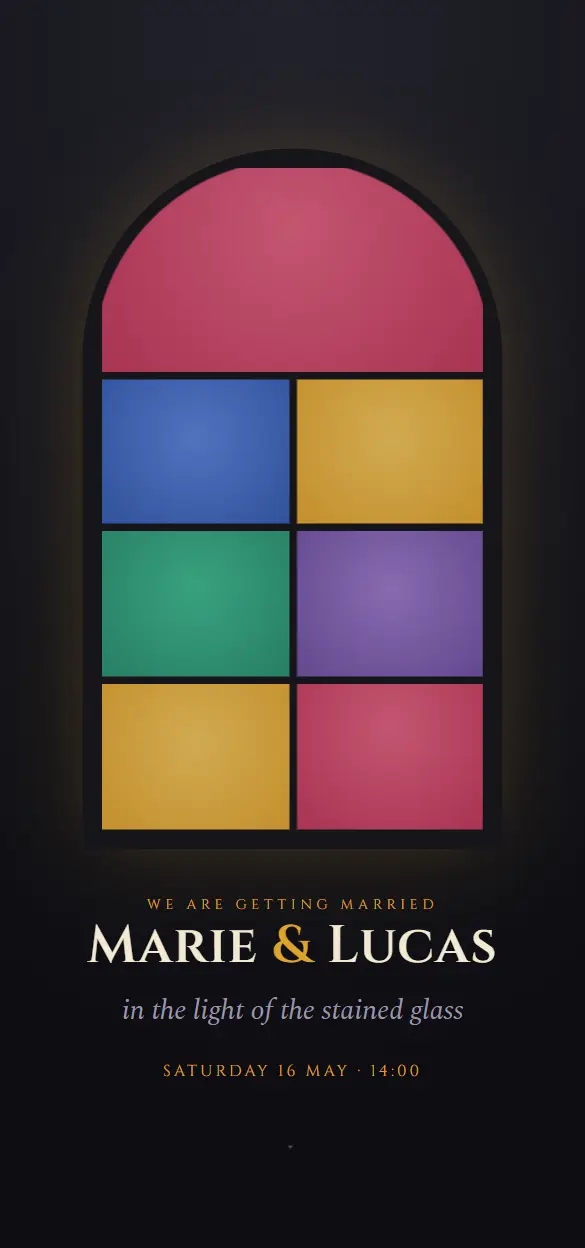 VitrailCathedral wedding · Stained glass
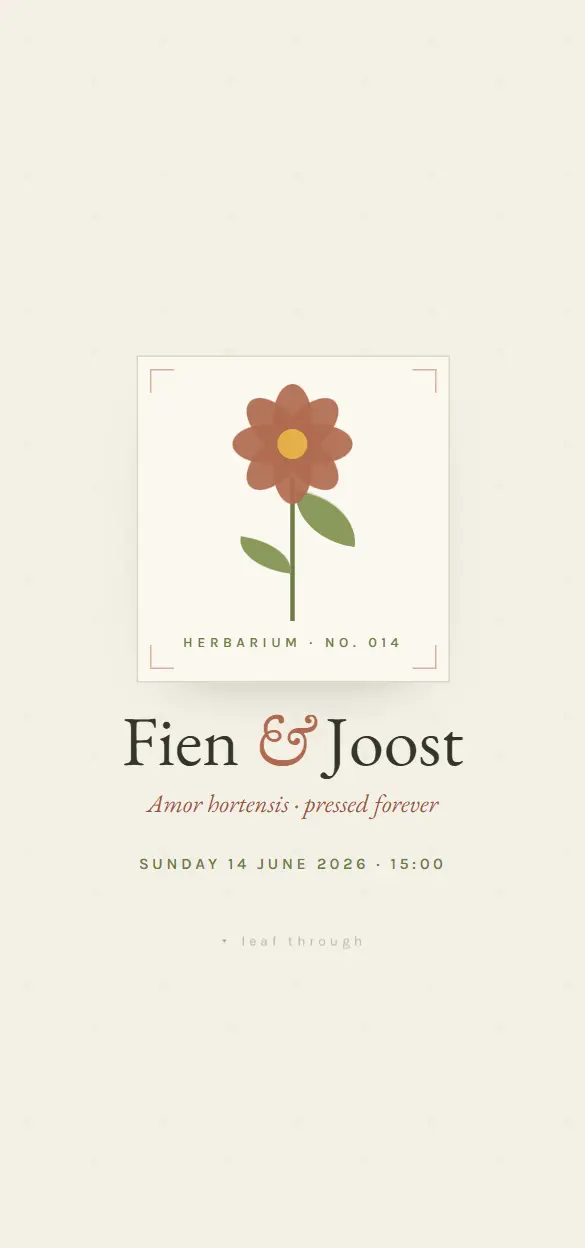 BotanicaGarden wedding · Herbarium
 LanternEvening wedding · Lanterns
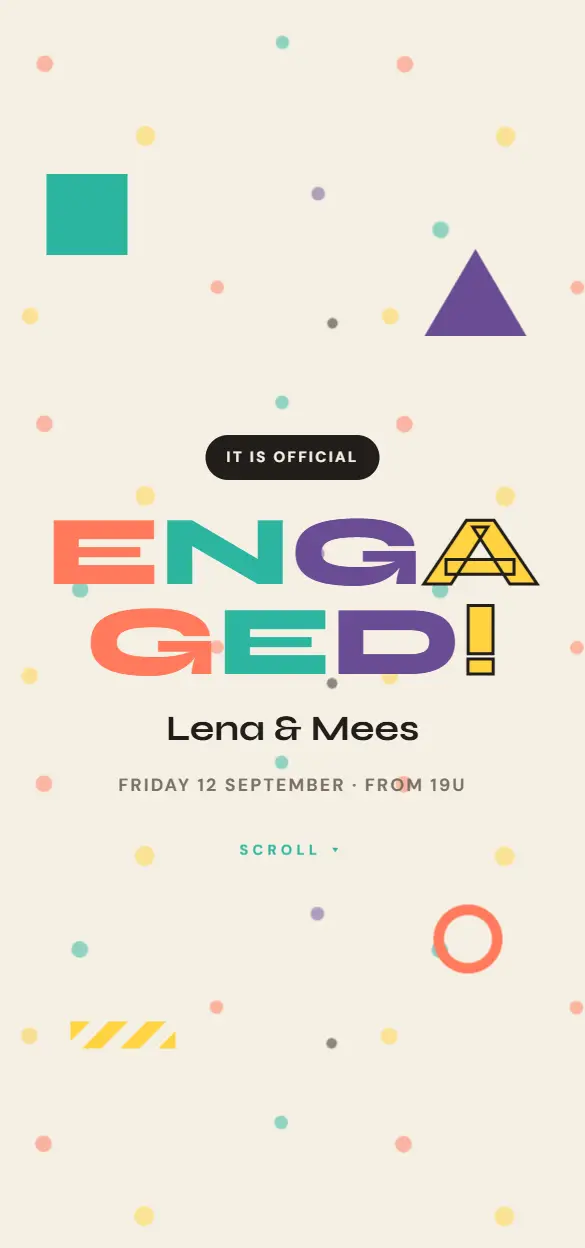 TerrazzoEngagement · Memphis
What goes on a save the date?
Less is more here. A save the date gives the essentials and keeps the rest for the invitation:
- Your names.
- The date of the wedding.
- The town or region, not necessarily the venue yet.
- That the invitation with all the details follows later.
- A photo of the two of you, if you like.
- A tip for those who have to travel or stay over.
When do you send a save the date?
Six months to a year ahead is common, and earlier if many guests have to travel or take time off, or if you marry in a holiday period. For a wedding close to home, four to six months is enough.
The invitation itself goes out two to four months before the wedding day. That is when you ask for a reply.
From save the date to invitation
You make your save the date and your wedding invitation in the same style, so your guests recognise the line. When the invitation is ready, you share the new link; whoever kept the save the date finds the same names and the same date there.
A digital save the date also sits well next to paper: if you send a printed invitation later, the save the date has already reached every guest without any printing.
How it works
- 01
Pick a style
You look at the live demos in the collection and pick the style that fits your celebration.
- 02
Make it yours
You add your own text, date, venue and photos. The style and the animations stay.
- 03
Share your link
You publish and share one link: in a chat, by email or as a QR code on paper.
- 04
Follow the replies
Guests reply inside the invitation. In your studio you see who is coming and who has not answered yet.
What it costs
Starting is free, with up to 25 invited guests per event. A Lite style costs €4,99 once per event, a Pro style €7,99. You do not need a subscription.
All pricesFrequently asked questions
Do guests have to reply to a save the date?
No. A save the date only asks them to keep the day free. You put the reply button on the invitation itself, with a deadline and an automatic reminder for everyone who has not answered yet.
Can I share the save the date in the group chat and by email?
Yes. You share one link wherever you like. If you want to send every guest a personal message straight to their number, the Invite via WhatsApp and SMS module does that (€4,99 per event).
How long does the save the date stay online?
In a free style an event disappears 14 days after the day you set. With Lite or Pro it is kept, so also for the whole time between your save the date and your wedding.