Create a digital wedding invitation
A digital wedding invitation is a personal page your guests open through a link or a QR code, with your names, the date, the venue, the programme and a way to reply right away. At YourInvited you pick a style, add your own text and photos and share one link. Starting is free; a paid style costs €4,99 or €7,99 once, per event.
Start with a styleStyles for your wedding invitation
View every style Mountain LakeWedding · Scrolling landscape
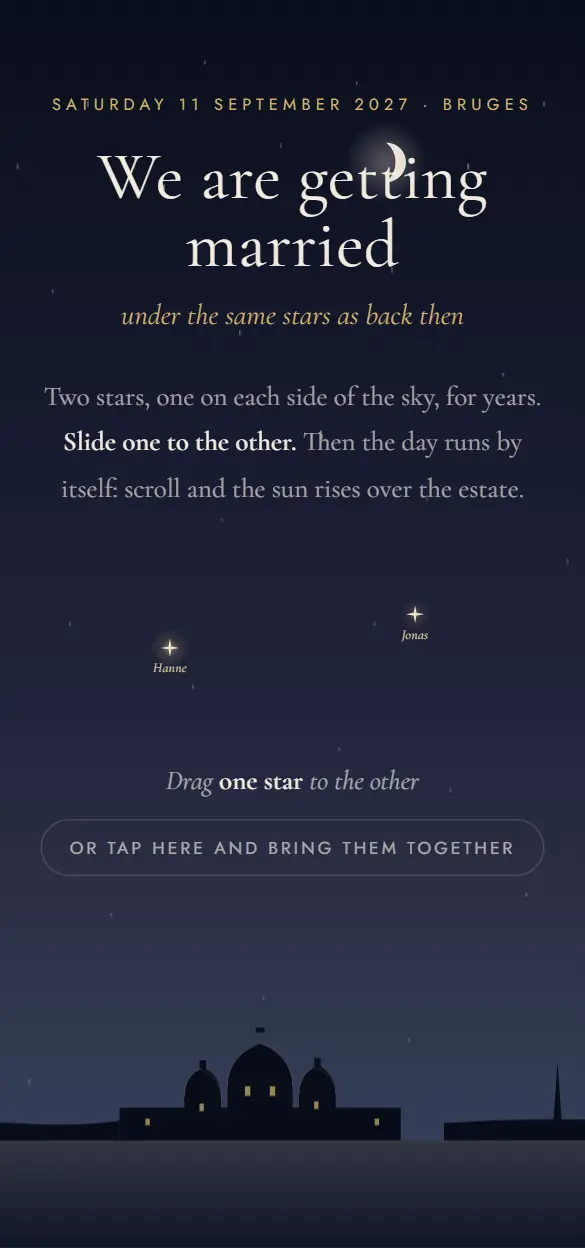 ConstellationWedding · One day in the sky
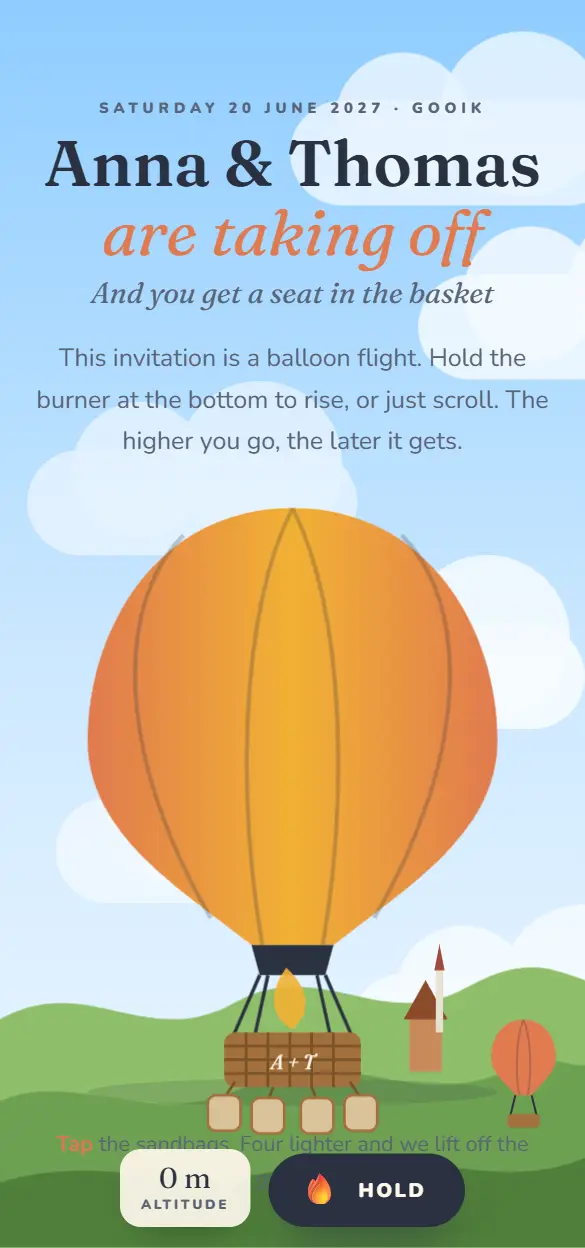 The Hot Air BalloonWedding · Hold the burner
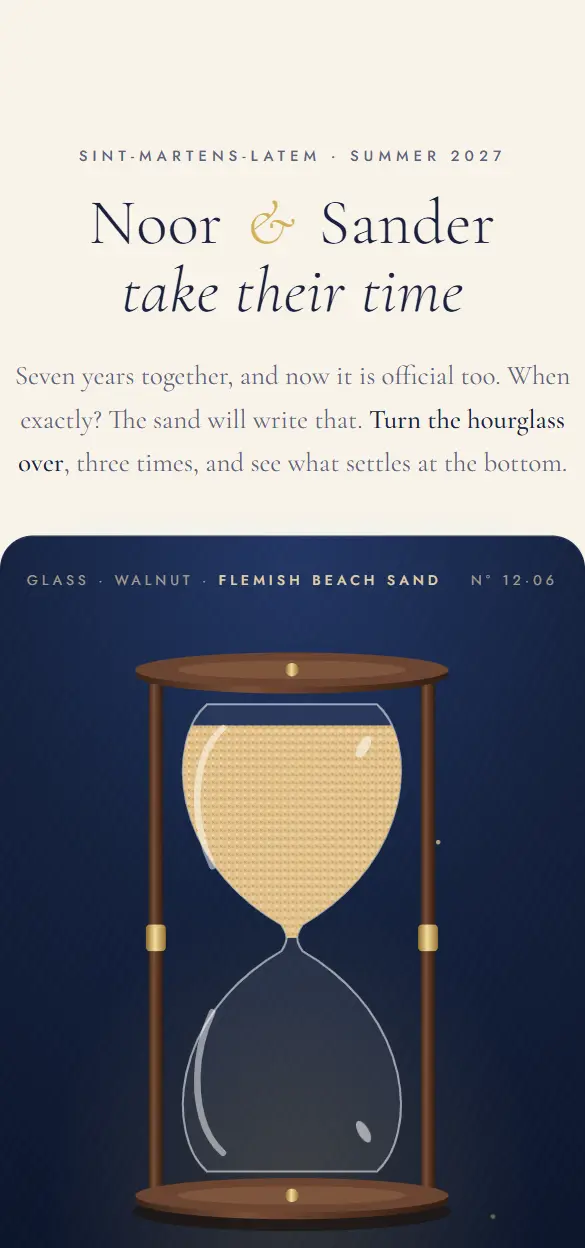 The HourglassSave the date · Sand & glass
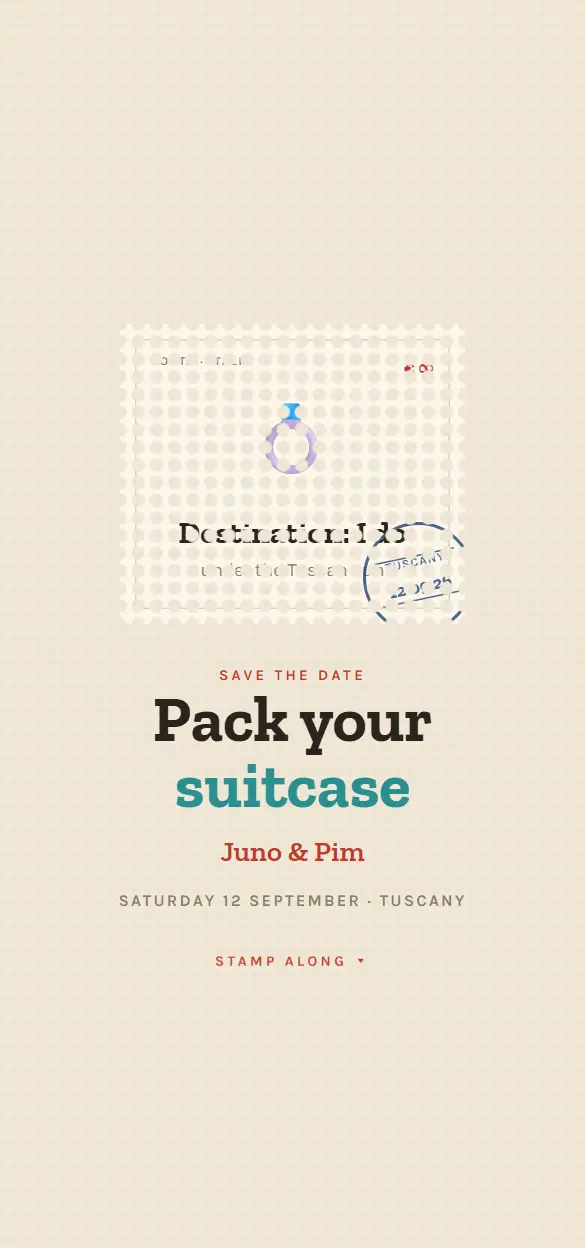 PhilatelyDestination wedding · Stamps
 MeteoSave the date · Forecast
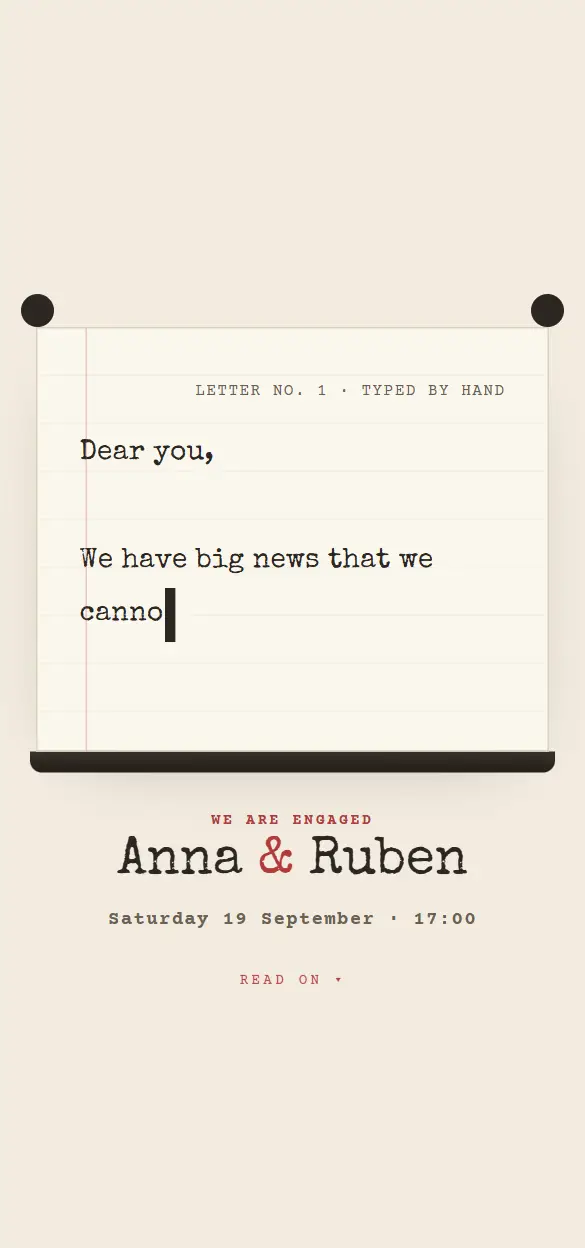 TypewriterEngagement · Love letter
 SnowglobeWinter wedding · Snow globe
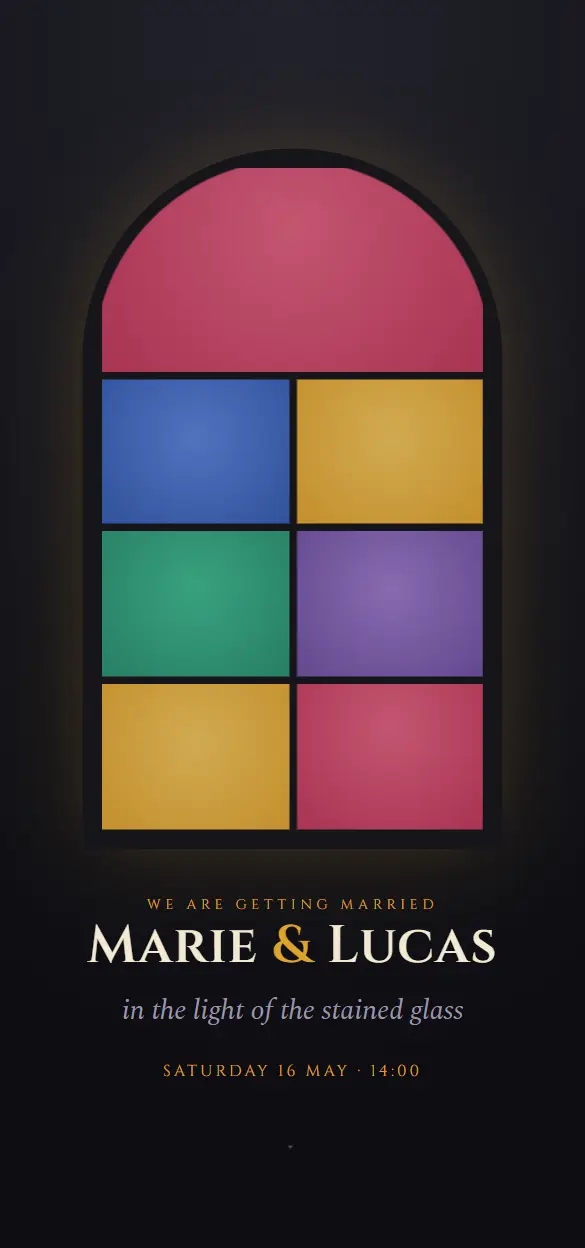 VitrailCathedral wedding · Stained glass
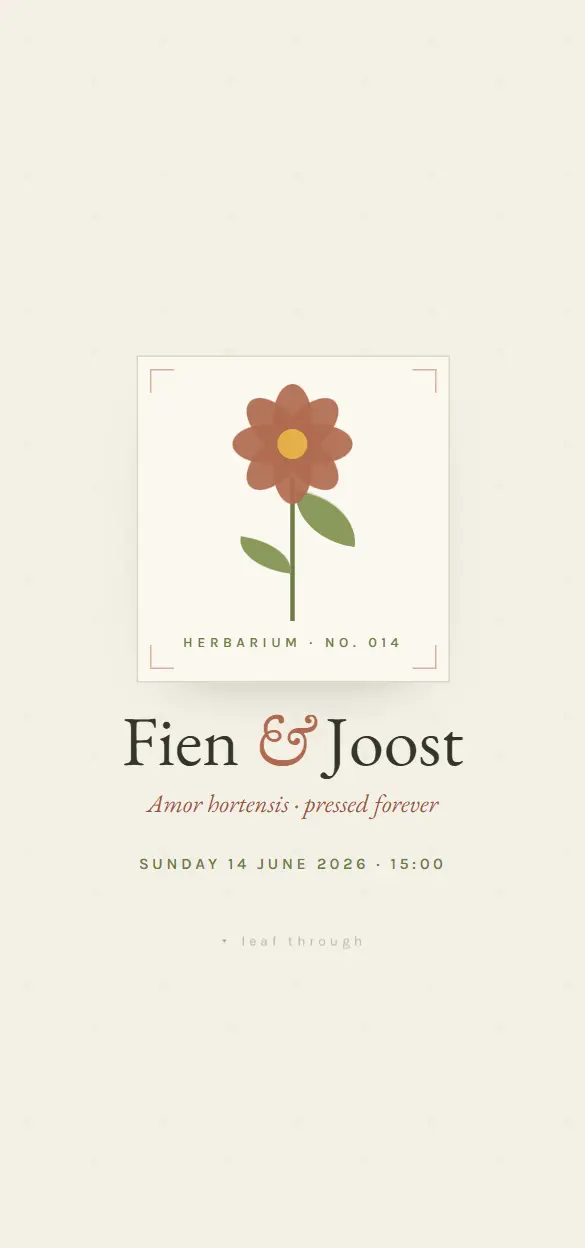 BotanicaGarden wedding · Herbarium
 LanternEvening wedding · Lanterns
 TerrazzoEngagement · Memphis
What goes on a wedding invitation?
A wedding invitation has to give your guests everything they need to be there. This belongs on it in any case:
- Your names, written out the way you want them read.
- The date and the time of the ceremony.
- The venue or venues, with the full address.
- The programme of the day: ceremony, reception, dinner, evening party.
- Which part of the day this guest is invited to.
- How and by when you expect a reply.
- Practical details: dress code, parking, accommodation, a gift tip.
Digital, on paper, or both?
A digital invitation does not have to replace the paper card. Many couples combine the two: a card for those who value one, with a QR code on it that leads to the digital invitation. That is where everything that does not fit on a card lives, and where your guests reply.
The difference is mostly in what happens after you send it. Replies arrive in one place instead of through cards, messages and phone calls all mixed together, and in your studio you see who confirmed and who has not answered yet.
When do you send wedding invitations?
There is no fixed rule, but this is common: a save the date six months to a year ahead if guests have to travel or take time off, the invitation itself two to four months before the wedding day, and a reply no later than four to six weeks ahead, so you can pass the numbers on to the venue and the caterer.
You can set a deadline for replies in your invitation and have a reminder sent automatically to everyone who has not answered by then.
For your engagement party and your save the date too
The collection also has styles for an engagement party and for a save the date. They work the same way: your own text and photos, one link, and your guests know at once which day to keep free.
How it works
- 01
Pick a style
You look at the live demos in the collection and pick the style that fits your celebration.
- 02
Make it yours
You add your own text, date, venue and photos. The style and the animations stay.
- 03
Share your link
You publish and share one link: in a chat, by email or as a QR code on paper.
- 04
Follow the replies
Guests reply inside the invitation. In your studio you see who is coming and who has not answered yet.
What it costs
Starting is free, with up to 25 invited guests per event. A Lite style costs €4,99 once per event, a Pro style €7,99. You do not need a subscription.
All pricesFrequently asked questions
Can all my guests open a digital wedding invitation?
Yes. The invitation opens in the browser through a link or a QR code, on a phone, tablet or computer. Guests do not have to install anything or create an account to reply.
How many guests can I invite?
Per event up to 25 invited guests with a free account, up to 100 with Lite and up to 250 with Pro.
Can I collect the photos of our wedding day?
Yes, with the Disposable camera module (€9,99 per event). Every guest takes photos on their own phone, and after the party they come together on one page where everyone can view and download them.
Can I add a gift list?
Yes, with the Gift list module (€9,99 per event). Guests reserve what they bring, so nobody buys the same thing twice. If you prefer a contribution, you add your own account details and guests pay you directly.
Guides for this occasion
- How to make a digital invitation: start here
- Digital or paper invitation: which do you choose?
- What does RSVP mean, and how do you use it?
- Inviting via WhatsApp: how to do it right
- How to make a guest list and keep the overview
- Collecting photos from guests: what works, what does not
- Gift list or envelope: what do you ask your guests for?
- What to write on a wedding invitation
- When to send wedding invitations