Digital invitation for a communion or spring celebration
A first communion, a confirmation or a spring celebration is the family party of the season in Belgium: everyone comes, and the numbers have to be right. At YourInvited you create a digital invitation with your child's photo, the service and the party with time and address, a gift tip and a reply button. You share one link with the family, and you see in your studio who is coming. Starting is free; a paid style costs €4,99 or €7,99 once, per event.
Start with a styleStyles for a communion or spring celebration
View every style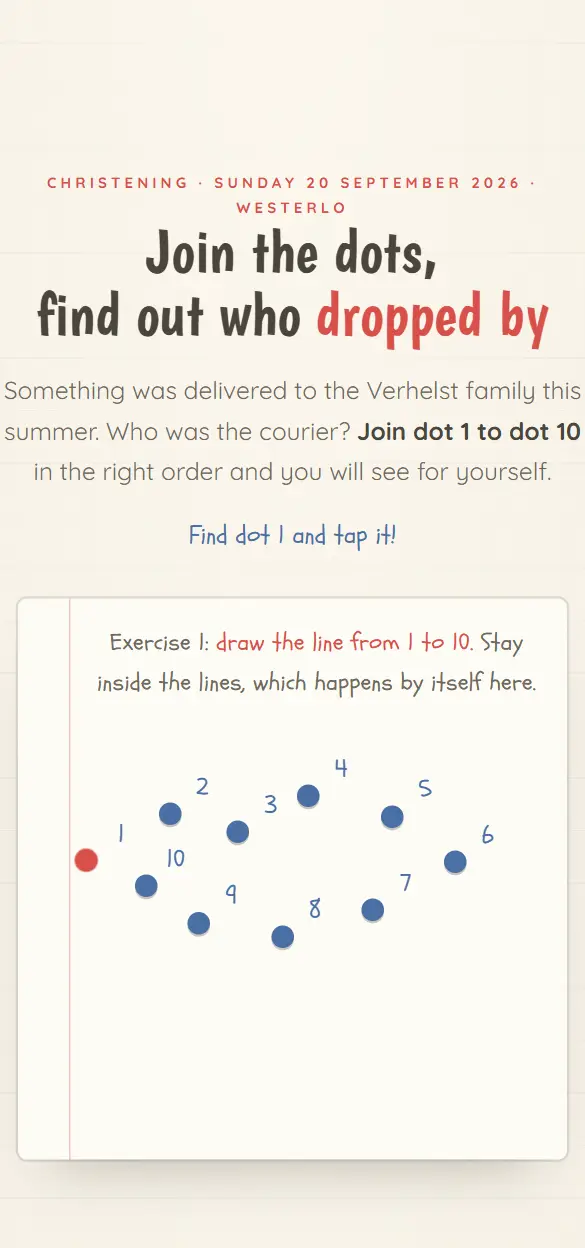
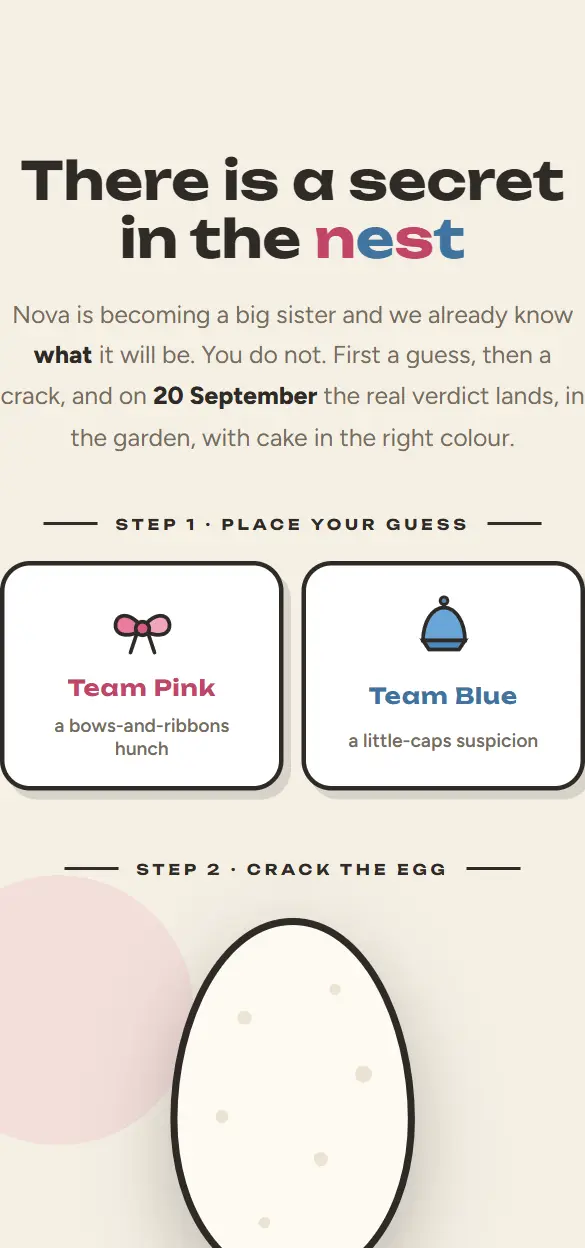
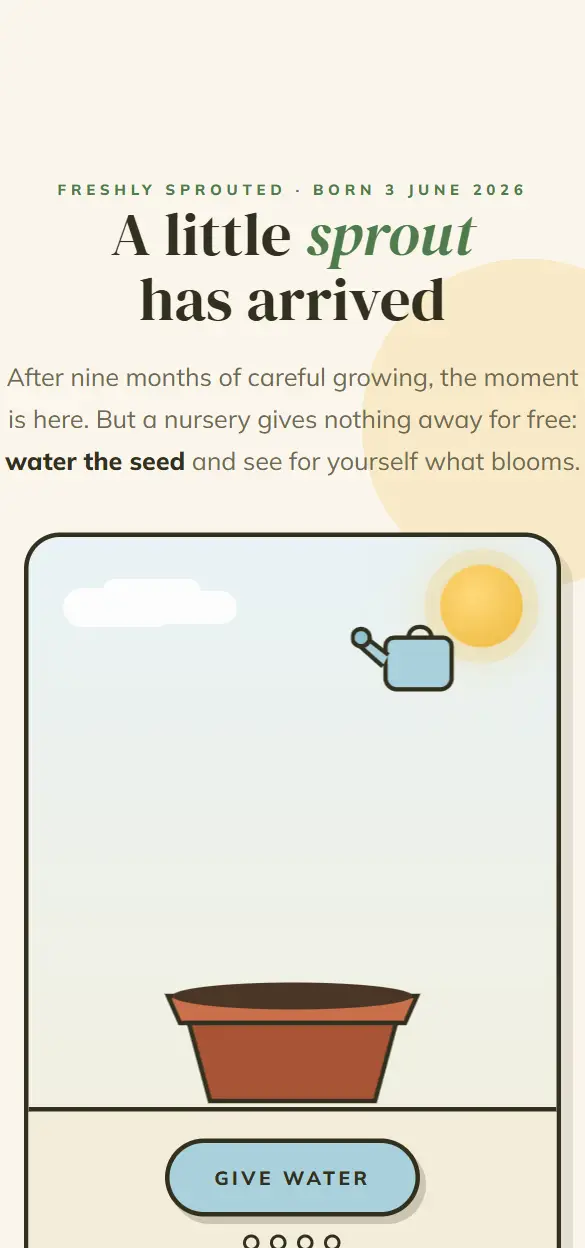

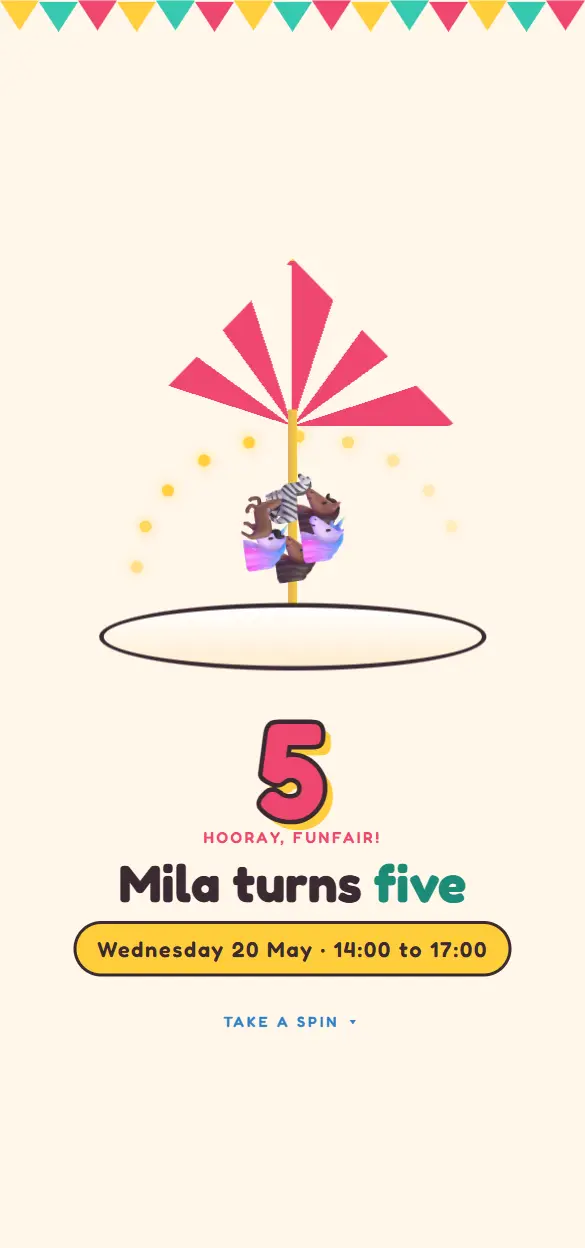
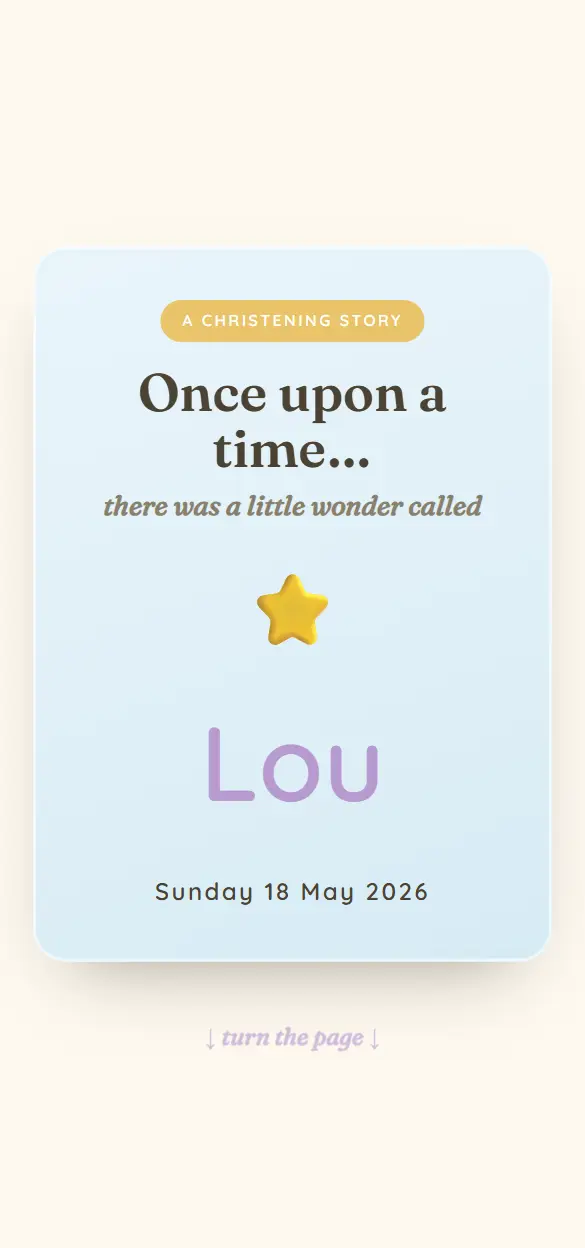
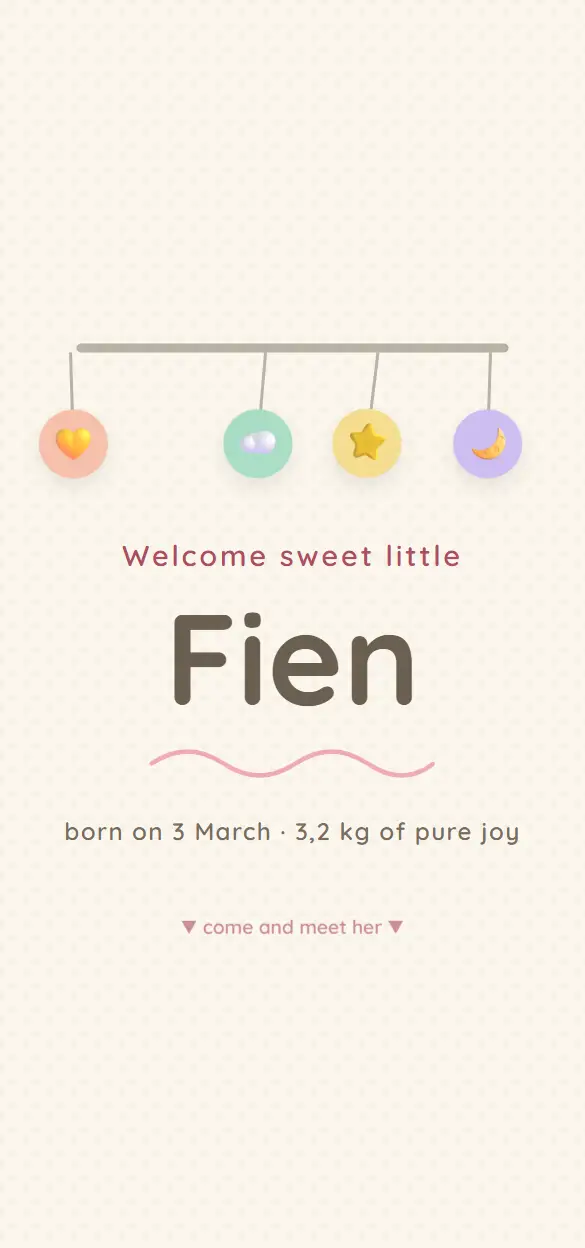
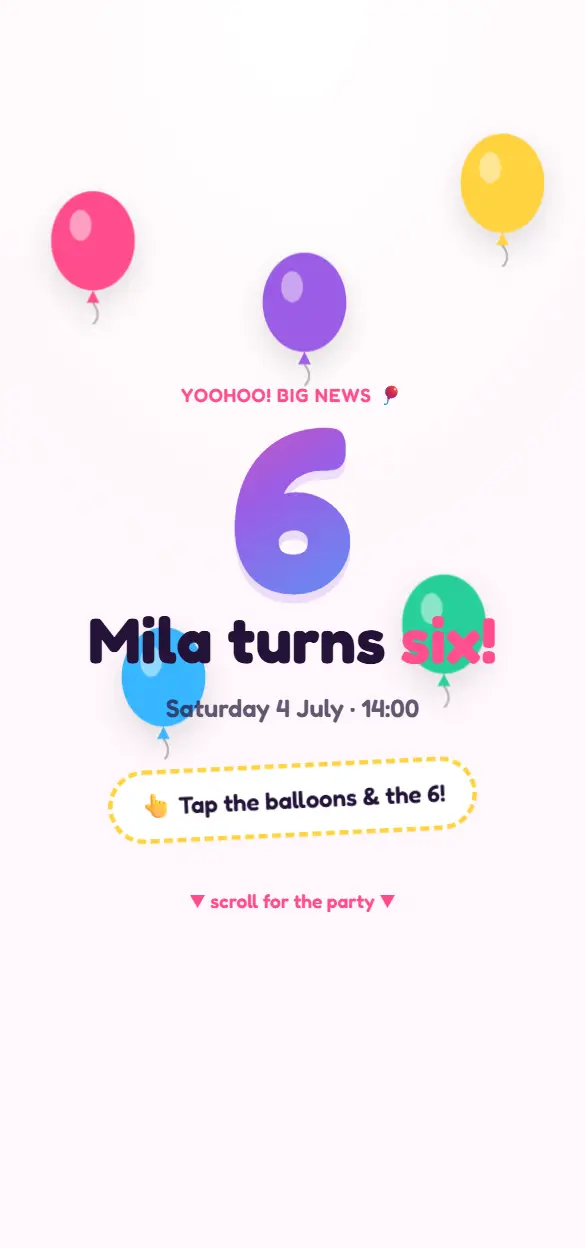
First communion, confirmation or spring celebration
The first communion comes at six or seven, the solemn communion or confirmation around twelve. The spring celebration (lentefeest) is the non-religious counterpart, usually at the same age and with the same family at the table. Whichever you celebrate, the invitation works the same: who, when, where, and a reply.
Let your child choose along. The style, the photo and a line of their own make the invitation theirs.
What goes on the invitation?
This belongs on it:
- Your child's name, and whether it is a first communion, a confirmation or a spring celebration.
- The service: date, time and the church or the school, with the address.
- The party: time and venue, with the address.
- Which part this guest is invited to.
- A gift tip. Many parents save for something big; say so.
- Whether other children are welcome, and whether something is planned for them.
- By when you expect a reply.
When do you send the invitation?
The services fall in April and May, and many families have several parties in those weeks. So send the invitation early: six to eight weeks ahead, with a save the date in January or February if you want to be sure of your day. Ask for a reply three weeks before the party, so you can pass the numbers on to the caterer or the venue.
How it works
- 01
Pick a style
You look at the live demos in the collection and pick the style that fits your celebration.
- 02
Make it yours
You add your own text, date, venue and photos. The style and the animations stay.
- 03
Share your link
You publish and share one link: in a chat, by email or as a QR code on paper.
- 04
Follow the replies
Guests reply inside the invitation. In your studio you see who is coming and who has not answered yet.
What it costs
Starting is free, with up to 25 invited guests per event. A Lite style costs €4,99 once per event, a Pro style €7,99. You do not need a subscription.
All pricesFrequently asked questions
Can I add a savings pot or a gift list?
Yes. With the Gift list module (€9,99 per event) you put a wish list in the invitation, or your own account details for those who prefer to chip in for a bike, a trip or a savings account. Guests pay you directly.
How many guests can I invite?
Per event up to 25 invited guests with a free account, up to 100 with Lite and up to 250 with Pro.
Can the grandparents open the invitation without a smartphone?
Yes. The invitation opens in the browser, on a tablet or a computer too, and nothing has to be installed. You can send the link by email, or put a QR code on a paper card.
Can I collect the photos of the day?
Yes, with the Disposable camera module (€9,99 per event). Every guest takes photos on their own phone, and after the party they come together on one page where everyone can view and download them.